[ FFXIV Unicode Typer ] Manual
1. What is [ FFXIV Unicode Typer ] ?
This tool is designed to easily input special characters used in Final Fantasy XIV (FF14).
These special FF14 characters are located in the Unicode Private Use Area, meaning they will only display correctly within environments where the FF14 font is applied, such as in the game itself or on the Lodestone website.
By using this tool, you can visually select special characters and easily copy and paste them. This eliminates the frustration of garbled text in environments where the font is not applied, providing a smooth input experience.
2. Basic Usage
2-1 Select a Character
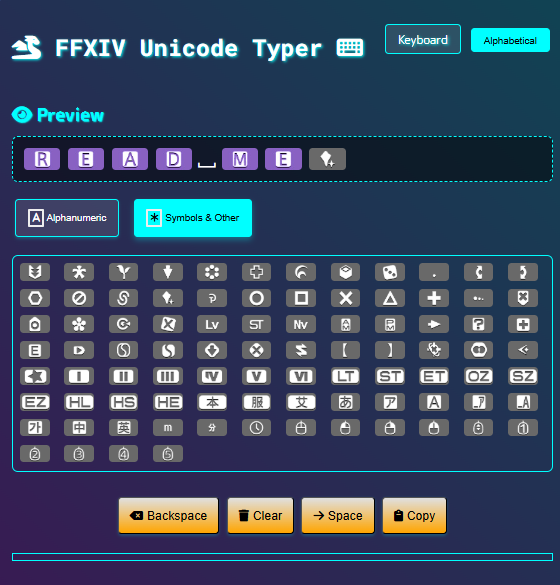
From the panel displayed on the screen, select the character you wish to input.
2-2 Preview
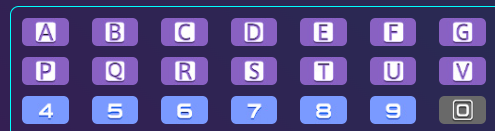
The selected character will be displayed in the preview area.
2-3 Editing
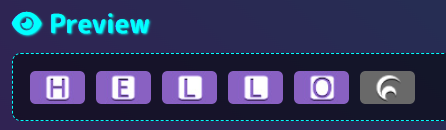
| 【Backspace】 | Deletes the last character in the preview area, one character at a time. |
| 【Clear】 | Clears all characters in the preview area. |
| 【Space】 | Inserts a space. (a half-width space) |
| 【Copy】 | Copies the string displayed in the preview area to your clipboard. |

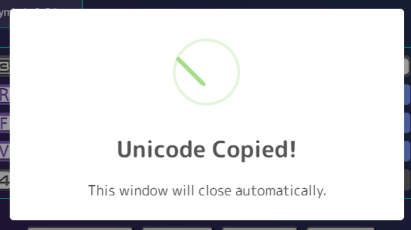
※ After successful copying, the following window will appear and then close automatically.
2-4 Pasting
Paste the copied text into chat fields within the game, the profile section on the "Lodestone" portal site, your blog entries, etc."
▼ Example of Pasting ▼
| ******Lodestone****** | |
|---|---|
| [Editing] | [After Editing] |
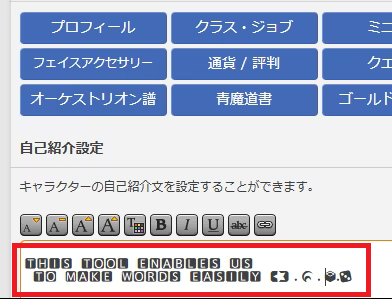 | 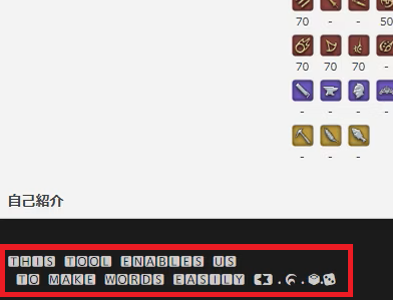 |
| ******In the game****** | |
|---|---|
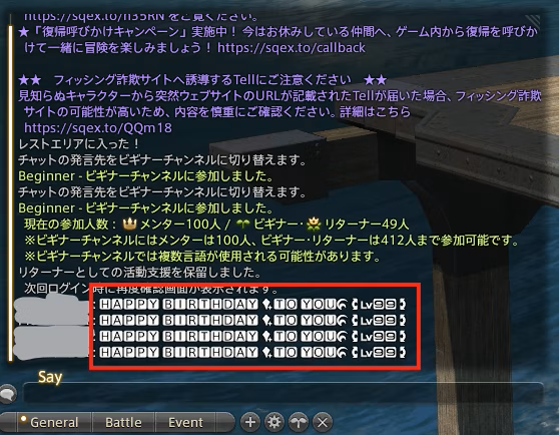 | |
3. About Each Function
3-1 Selecting the Display Layout
This section explains the button located in the top right corner of the screen.。
By selecting your preferred layout, you can find characters more comfortably.
(Keyboard Layout: PC Mode)
Selecting[Keyboard]will display the character panel in an order similar to a standard keyboard layout.
※ Recommended for screen widths of 800px or more. The display may be distorted on smaller devices.
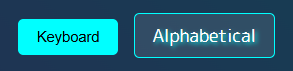
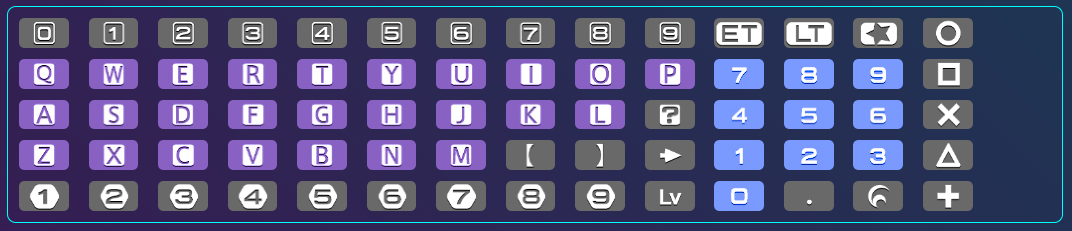
(Alphabetical Order: Mobile Mode)
Selecting[Alphabetical]will display the character panel in alphabetical order."
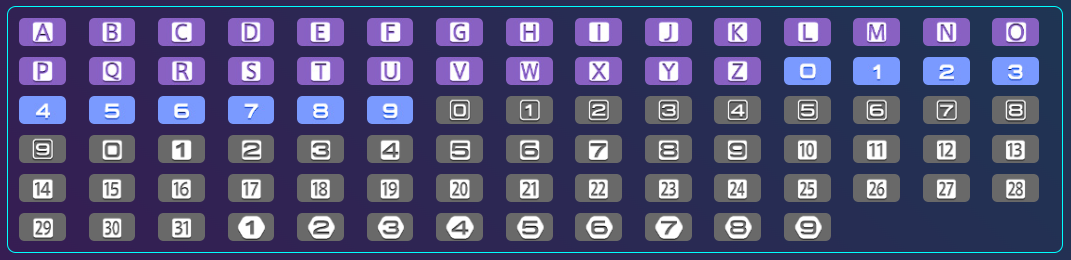
3-2 Selecting Character Types
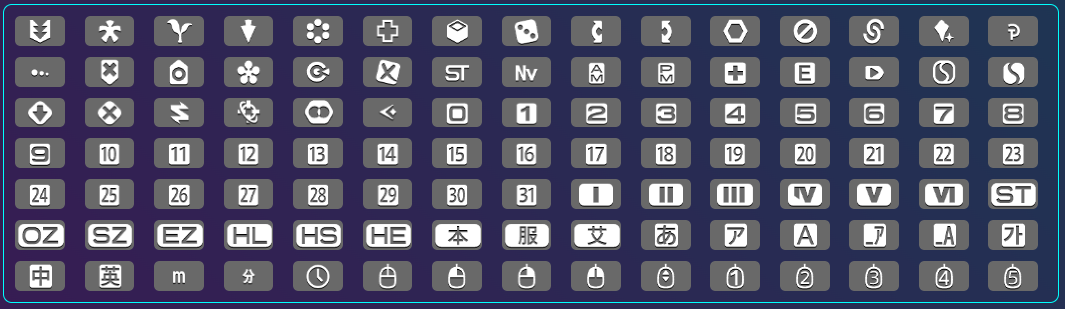
You can change the types of characters available by toggling the buttons on the input panel.
[Alphanumeric] Button
:Displays numbers and some symbols.
※ The layout selected in "3-1" above will be displayed.

[Symbols & Other] Button
:Displays other symbols and decorative numbers, etc.

3-3 Selecting the Background Color
You can change the background color by toggling the[BG Change]button in the bottom right corner of the screen. Please use it according to your mood or preference for the day.

The colors will switch in the following order. We've tried to create color schemes that evoke different locations.
| No | Img Loc |
|---|---|
| 1 | Solution 9 |
| 2 | (Light Color) |
| 3 | Limsa Lominsa |
| 4 | Gridania or Ul'dah |
| 5 | Crystarium |
| 6 | Old Sharlayan |
| 7 | Tuliyollal |
| 8 | Il Mheg |
■ About Certain Characters ■
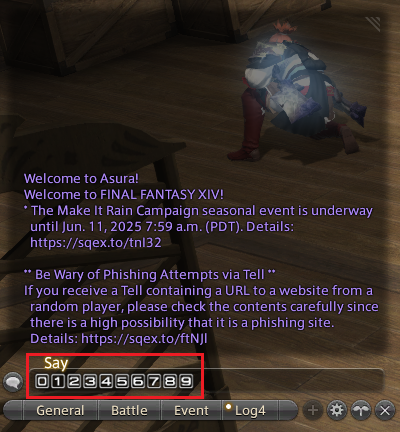
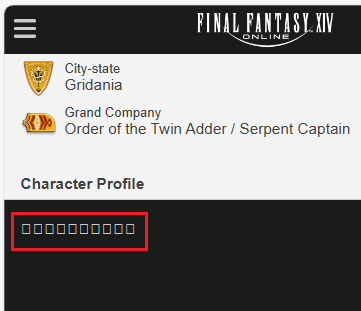
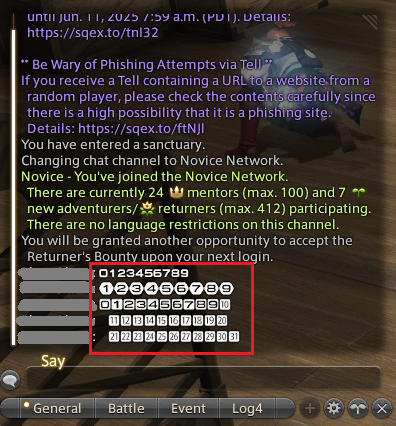
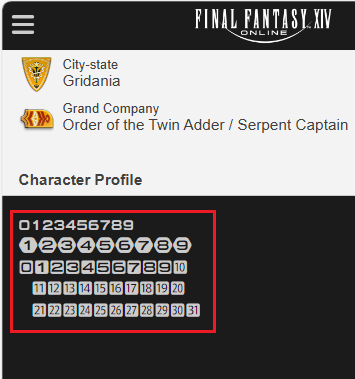
The following characters have been confirmed to not be displayed on Lodestone. (At Patch 7.25)

The characters were displayed in the game, but it seems that Lodestone does not support the necessary fonts."
| [In the game] | [Lodestone] |
|---|---|
 |  |
There were no issues with the other numbers.
| [In the game] | [Lodestone] |
|---|---|
 |  |
■ Disclaimer ■
Please be aware that we cannot guarantee the functionality of the tools provided on this website. It is your responsibility to thoroughly test any content generated or converted using these tools within your own environment before use. The administrators of this website will not be held liable for any issues or damages arising from the use of these tools.